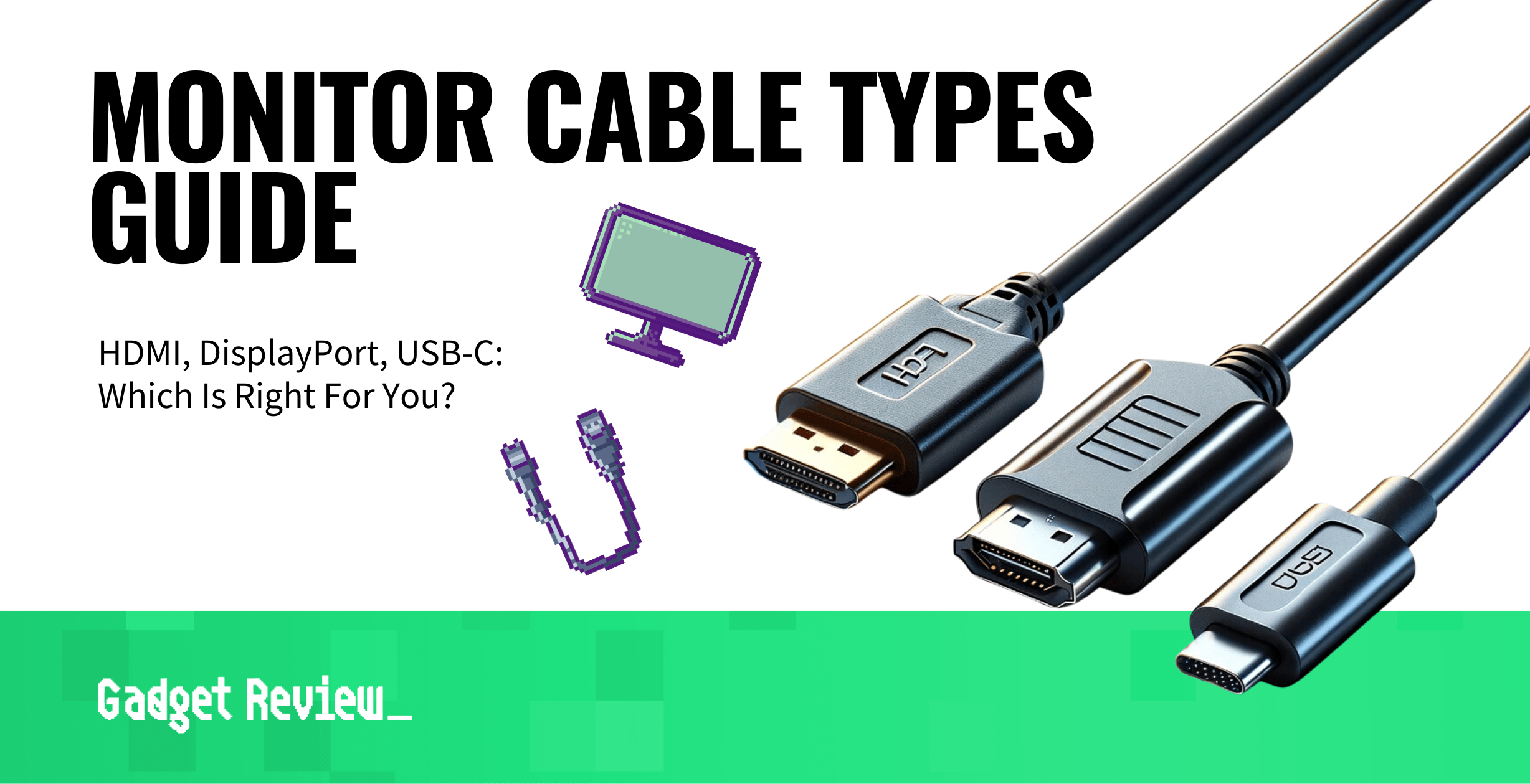
Understanding HDMI, DisplayPort, and VGA: Which Monitor Cable is Right for You?
When it comes to connecting your monitor to a computer or other devices, understanding the differences between HDMI, DisplayPort, and VGA is essential. Each of these cables serves a unique purpose and offers distinct features. HDMI (High-Definition Multimedia Interface) is widely used in televisions and home theater systems, supporting both high-definition video and audio through a single cable. On the other hand, DisplayPort is favored for high-performance monitors, particularly in gaming and professional settings, as it can support higher refresh rates and resolutions. Meanwhile, VGA (Video Graphics Array) is an older analog standard, often found in legacy systems, making it less suitable for modern displays due to its limitations in resolution and image quality.
Choosing the right monitor cable depends on your specific needs and setup. If you're looking for high-quality video and audio transmission, HDMI is typically your best bet. It's prevalent in consumer electronics and is compatible with a wide range of devices. For gamers and those requiring high refresh rates, DisplayPort is the ideal solution, offering superior performance with minimal latency. However, if you're working with an older system or display that only supports it, VGA may still be an option, albeit with a significant drop in quality. Ultimately, understanding these differences will help you make an informed decision about which monitor cable is right for you.
Managing cables is essential for maintaining a clean and organized workspace. To help you achieve a tidy setup, we've compiled the Top 10 Cable Management Solutions for Monitors, which includes various tools and techniques to effectively hide and organize your cables.
The Ultimate Guide to Monitor Cable Lengths: What You Need to Know
When it comes to optimizing your workspace, understanding monitor cable lengths is essential. Various types of monitors and setups require different cable lengths to ensure a clean and efficient configuration. It’s crucial to measure your workspace accurately to avoid lagging performance or connectivity issues. A common guideline is to keep your cables neatly organized and not excessively long, as longer cables can lead to signal degradation and clutter. Aim for the shortest length necessary to maintain a tidy appearance while ensuring all devices are still connectable.
In addition to length, monitor cables come in various types, including HDMI, DisplayPort, and VGA, each with specific standards and capabilities. To assist you further, here are a few tips to keep in mind:
- Choose the right cable type: Ensure compatibility with your monitor and computer.
- Factor in future upgrades: If you plan to update your devices, consider longer cables to save on future costs.
- Consider cable management: Use clips or sleeves to keep your cables organized and out of sight.
By following these tips, you can effectively manage your monitor cable lengths and create a more organized workspace.
5 Common Monitor Cable Mistakes and How to Avoid Them
When setting up your monitor, many people overlook the importance of the cable that connects it to their computer. Here are five common monitor cable mistakes that can significantly affect your setup. First, using the wrong type of cable can lead to subpar display quality or even no signal at all. Ensure you utilize a compatible cable, whether it be HDMI, DisplayPort, or VGA. Secondly, leaving cables excessively tangled can cause interference and damage over time, so invest in cable management solutions to keep your workspace organized and functioning optimally.
Another common mistake is failing to secure connections properly. Loose cables can result in flickering screens or intermittent signal loss. Always double-check that the connections are snug and secure. Additionally, be cautious about running monitor cables near power sources, as this can create electromagnetic interference that affects your display. Finally, many users are unaware of the cable's limitations, such as length restrictions that may affect signal quality. Remember to choose a cable that meets your requirements while avoiding excessive length whenever possible.